Nexus Build · QuickBooks-first construction AP
Keep QuickBooks. Control the work around it.
Nexus adds the job-cost, lien-waiver, retainage, compliance, and approval workflows construction finance teams need—without asking them to replace their ledger.
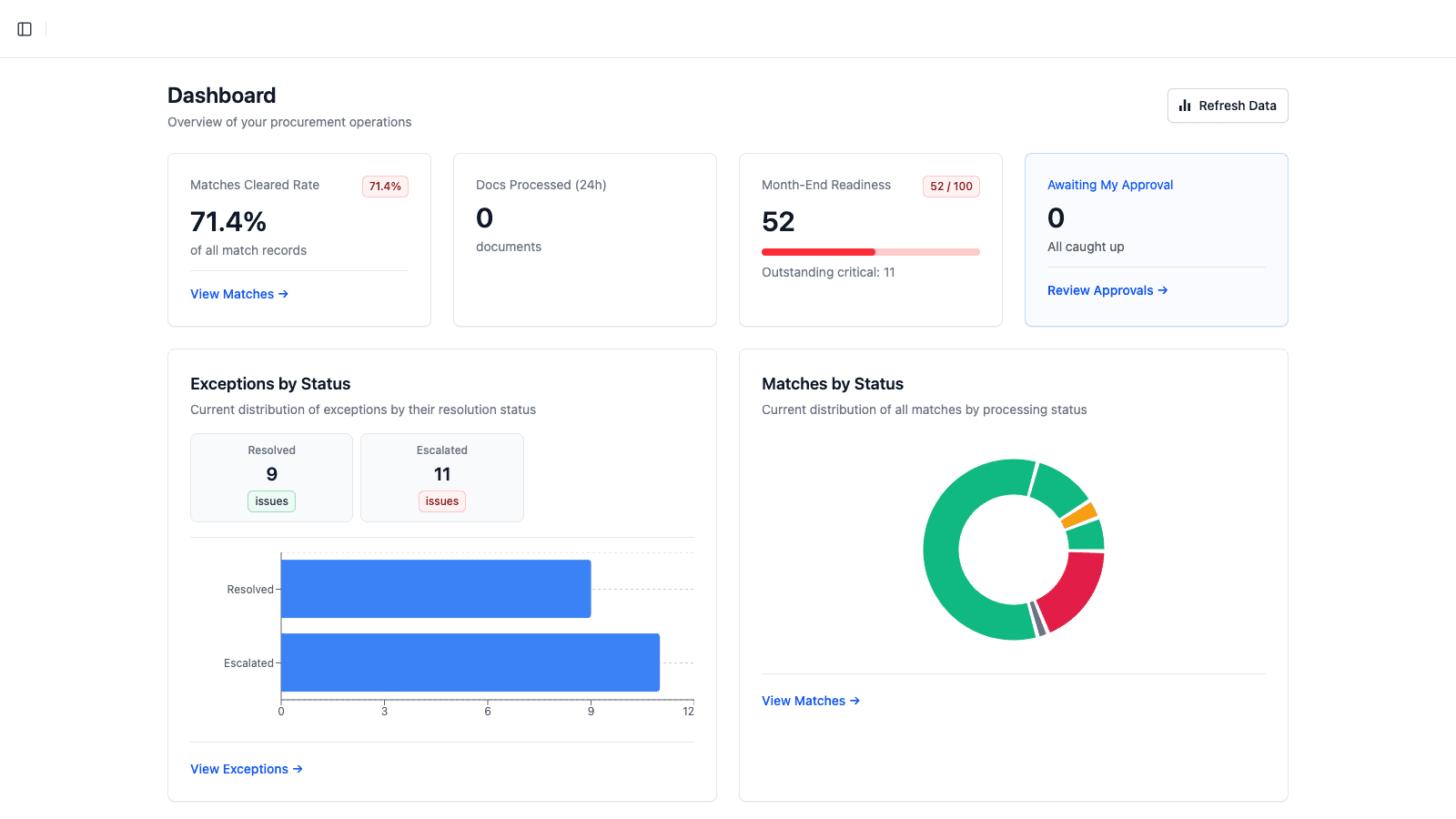
Illustrative product workspace
Operational proof
One controlled path from invoice to job cost.
Import vendors, bills, and purchase orders from QuickBooks
Code costs by job, phase, cost code, and cost type
Hold payment for explicit waiver and insurance requirements
Post invoice-linked actual cost and retainage on approval
Bring in the accounting context
Start with QuickBooks vendors, bills, and purchase orders so teams work from familiar records rather than rebuilding a parallel ledger.
Review construction coding
Operators confirm the job, project phase, cost code, and cost type at line level before approval.
Enforce project requirements
Nexus creates missing waiver obligations, checks job-specific insurance, and records any approved override with its reason.
Post and reconcile
Approval posts actual job cost and retainage to source-linked ledgers; approved bills can then move back to QuickBooks.
The operating model
Construction depth without an ERP migration.
QuickBooks remains the accounting source of truth. Nexus becomes the calm control layer for the project-specific work that spreadsheets and generic AP tools leave behind.
Qualified walkthrough
Bring one real workflow.
Tell us how you use QuickBooks, how many projects and invoices you manage, and where waivers or retainage break down. We’ll shape the session around that operating reality.